Log every set.
Watch the weight climb.
GymLog is a fast, no-nonsense workout tracker. Pick a split, log your sets in two taps, and see exactly how each lift is trending — week after week, with nothing in the way.
- Tracking free forever
- Nothing to download
- Works on any phone
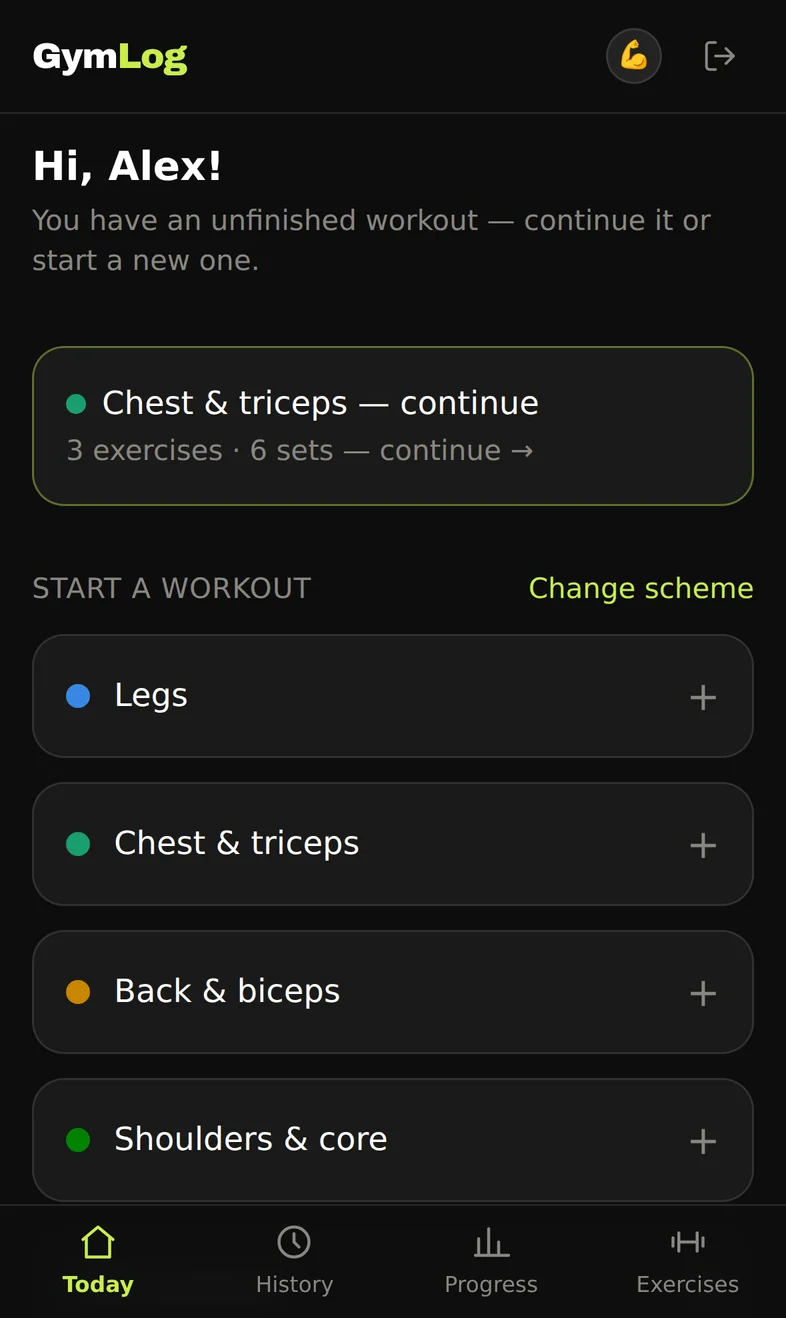
See every screen before you sign up
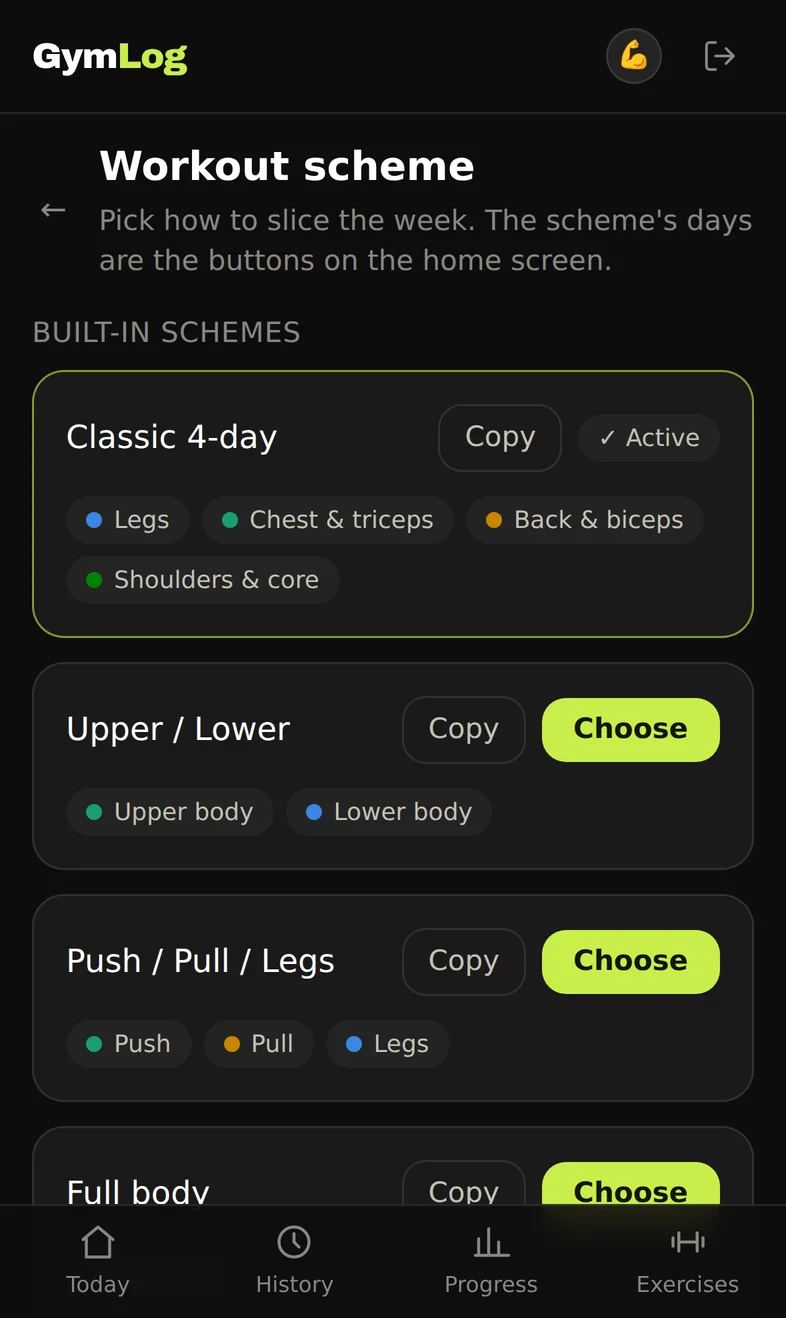
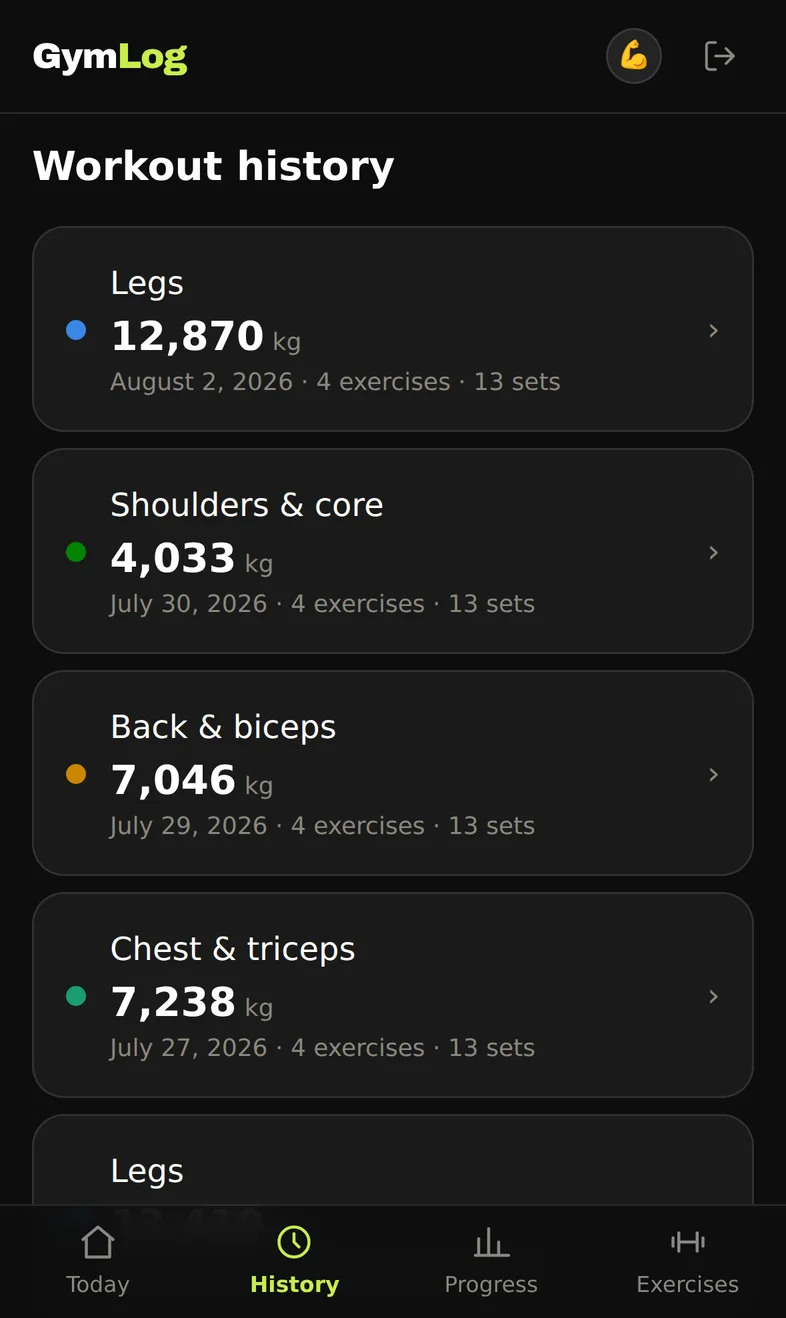
Real screens, not mockups. Dark from the first pixel, built for a phone held in one hand between sets.
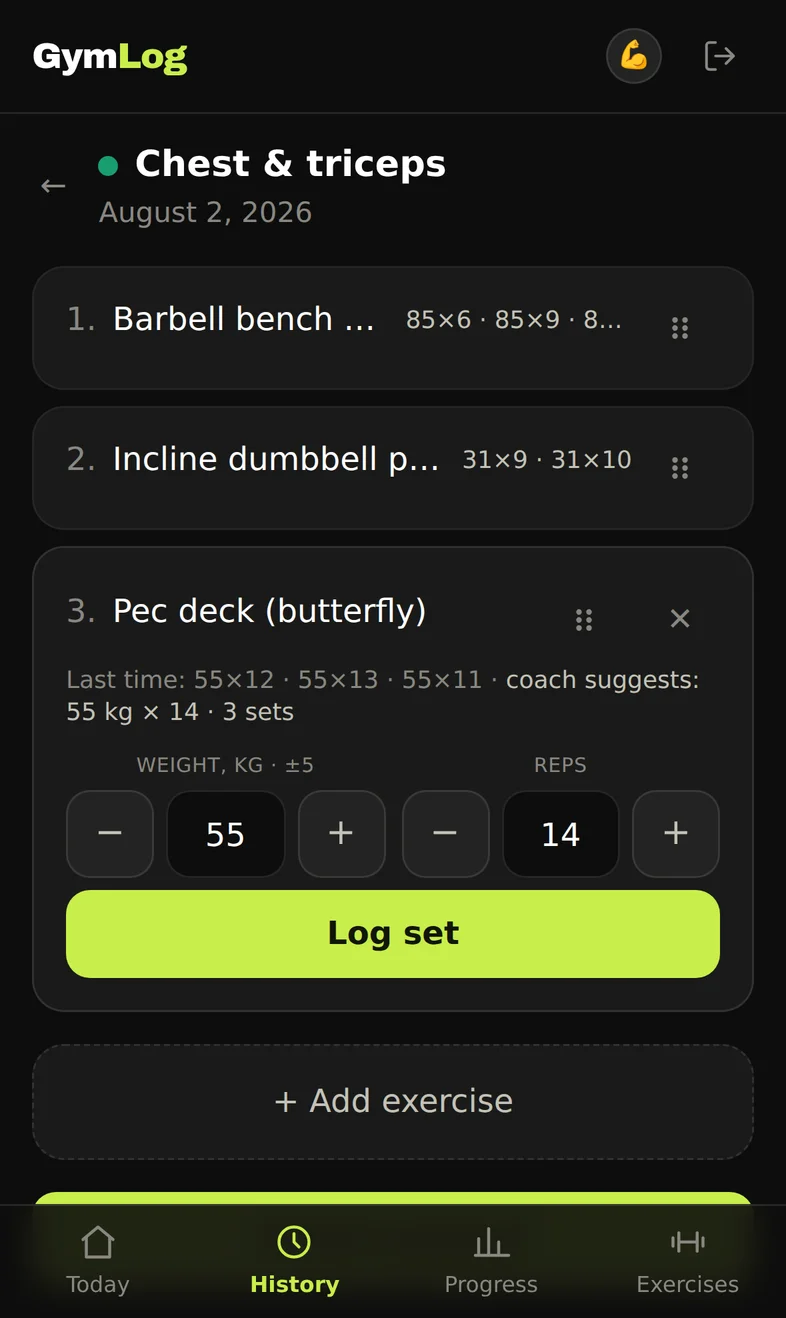
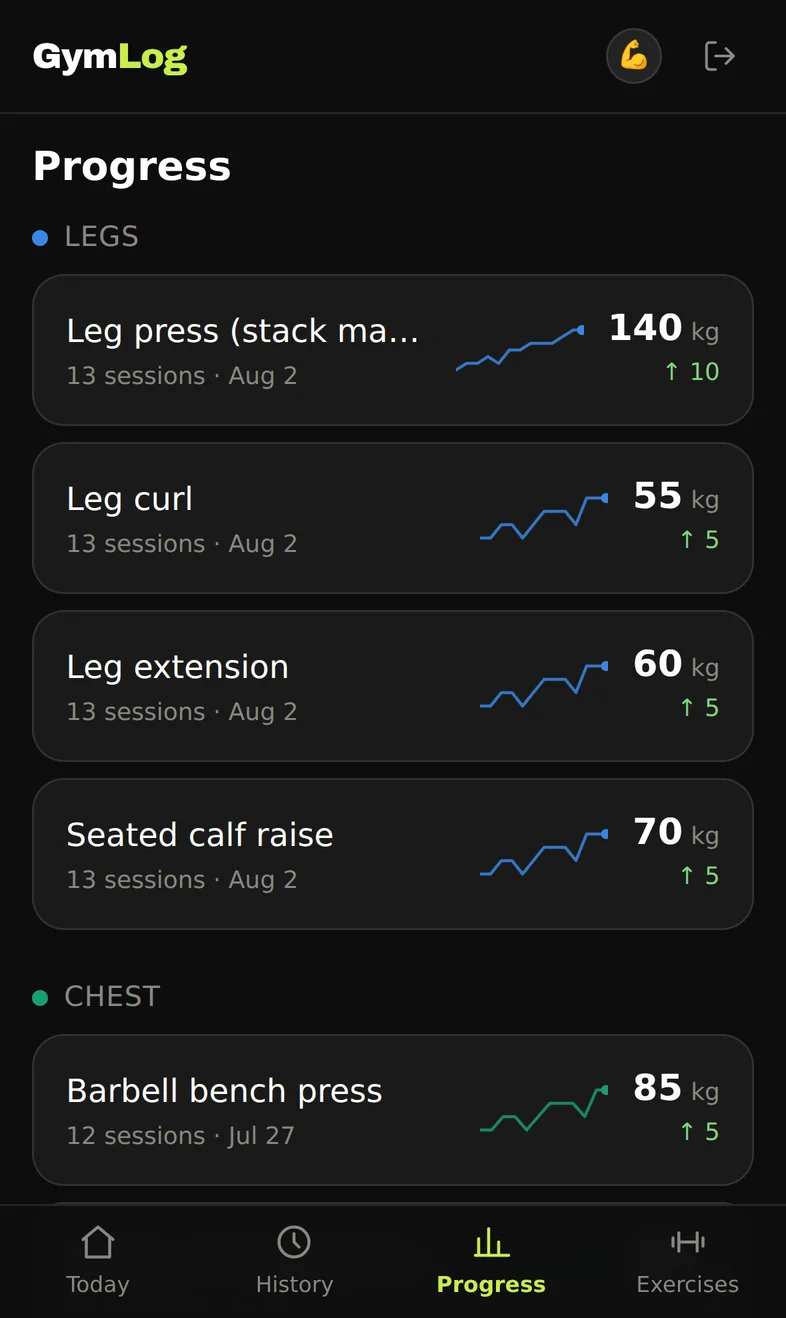
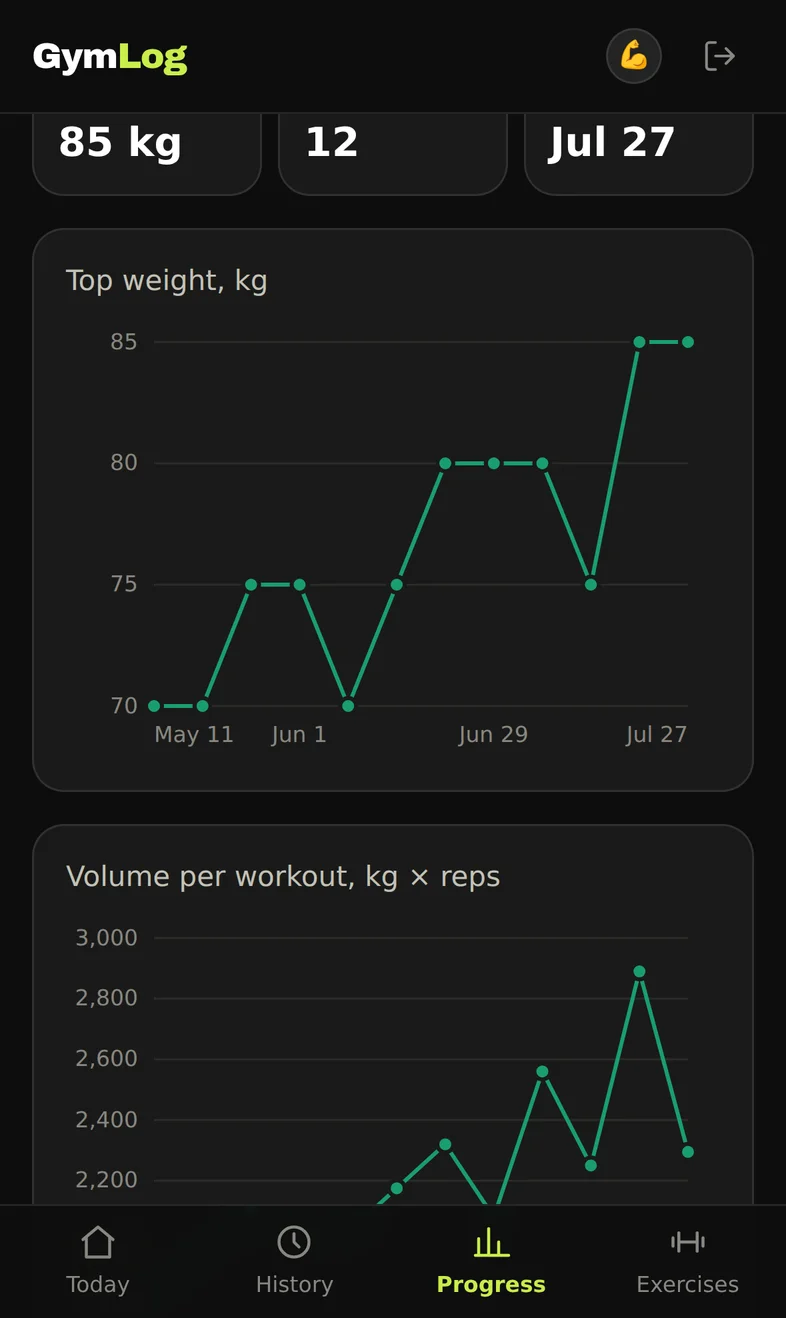
Built for the set you're about to do
Splits that fit your week
Classic 4-day, upper/lower, push–pull–legs, full body — or build your own days and pick the muscle groups yourself.
Two taps per set
Big ± buttons for weight and reps, sized for sweaty hands mid-set. Hold one to jump by five.
Progress you can see
Top weight, max reps and volume charted per exercise, with a 30-day trend on every lift in the list.
A goal per exercise
Push, maintain, or take it easy — every suggestion the app makes respects what you set for that lift.
An exercise library, ready
Fifty-odd exercises with their muscle groups already set — plus your own, for whatever machine only your gym has.
A rest timer that starts itself
Log a set and the clock runs. Nudge it by thirty seconds and it remembers how long you actually rest.
No ads.
Tracking stays free.
Logging your workouts is free, and stays free: the splits, the sets, your whole history and the progress charts on top of it. No ad slots, no “watch a video to unlock”, and nothing standing between you and last week's numbers.
Some bigger features may cost money later — tracking won't. What you log today stays on the free side of any line we draw.
AI coach
A coach that reads your own history, your goals and your profile, then lays out the day: which exercises, what weight, how many reps — and a line on why. Finish the session and ask it how it went, or what to fix next time.
- Plans built from your own history
- A weight suggestion per exercise
- Ask it anything about the session
In early access on a handful of accounts while it gets good enough to hand to everyone. Likely one of the paid features when it lands — your log stays free either way.
Nothing to download
GymLog is a web app. Open it, add it to your home screen, and it launches full-screen like anything else on your phone — no App Store, no Play Store, no account with anybody else, nothing to keep updated.
iPhone & iPad · Safari
- 1Open GymLog in Safari.
- 2Tap the Share button — the square with an arrow pointing up.
- 3Scroll down the share sheet and tap “Add to Home Screen”.
- 4Tap “Add”. The GymLog icon lands on your home screen.
Android · Chrome
- 1Open GymLog in Chrome.
- 2Tap the ⋮ menu in the top-right corner.
- 3Tap “Add to Home screen”, then “Install”.
- 4Confirm — the icon appears on your home screen and in the app drawer.
Start your log today
An account takes thirty seconds and costs nothing. No card — pick a split and log your first set tonight.